Mastering Kanban: 5 Tips for Peak Productivity
Optimize Your Flow for Maximum Impact
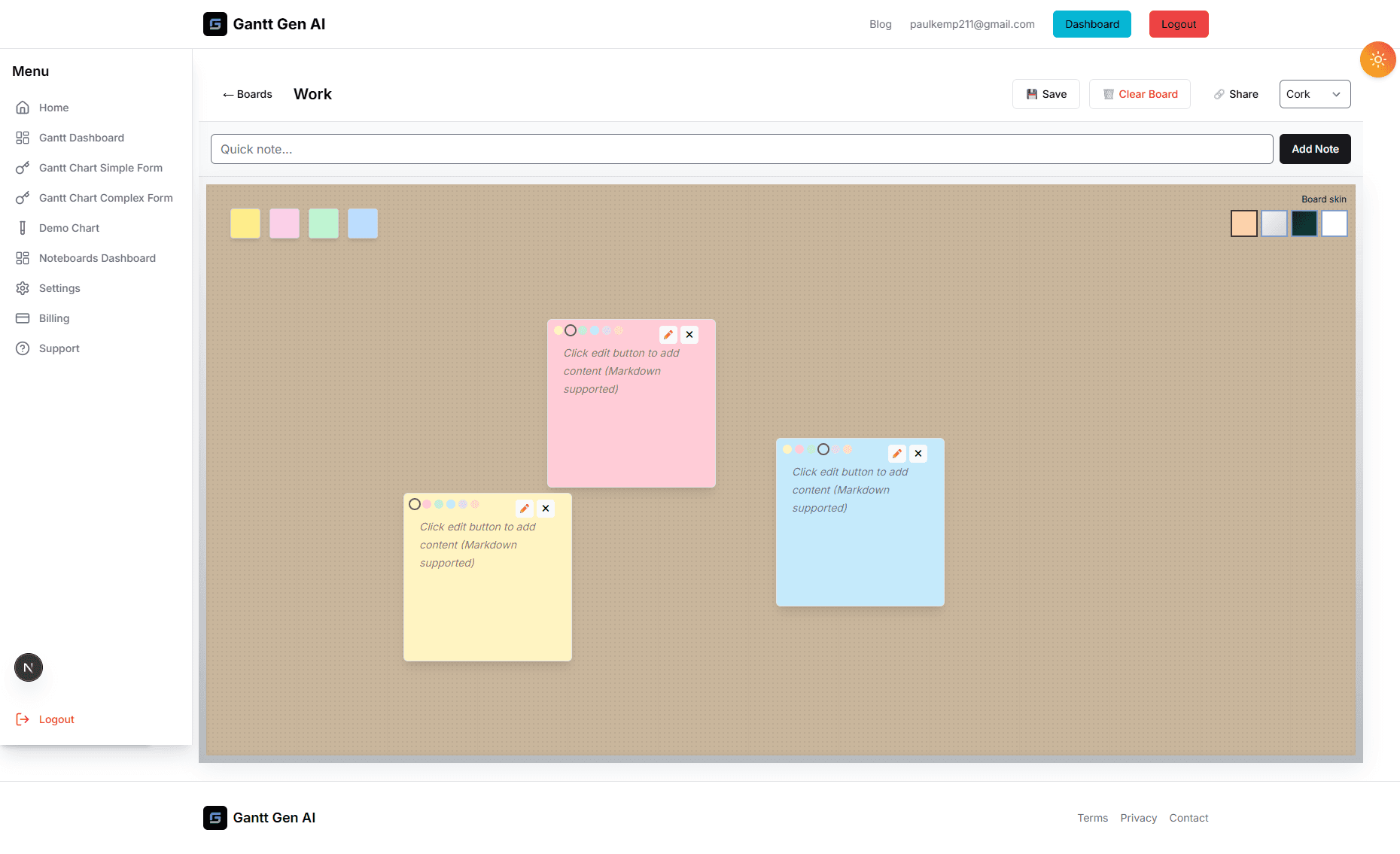
Kanban is more than just a series of columns and cards; it’s a philosophy of work that focuses on continuous delivery and efficiency. Now that you have access to our new Kanban boards, it's the perfect time to refine your approach. The goal of Kanban isn't just to see what everyone is doing, but to identify and remove the obstacles that prevent work from moving forward. When used correctly, Kanban can significantly reduce lead times and improve team morale by providing clarity and reducing the stress of an overflowing 'To Do' list.
To help you get the most out of this new tool, we’ve compiled five essential tips for mastering your Kanban workflow. These strategies are used by some of the most efficient project teams in the world to maintain a steady, predictable pace of delivery, regardless of the project's complexity.
1. Limit Your Work in Progress (WIP)
The most common mistake teams make when starting with Kanban is treating the 'In Progress' column like a second 'To Do' list. The secret to Kanban isn't doing more things at once; it's finishing what you've started. When you have too many tasks in progress, you suffer from 'context switching'—the mental tax of jumping between different topics. This slows everyone down and leads to burnout.
Try setting a strict limit on your WIP. For example, if you have three team members, perhaps you only allow four tasks in the 'In Progress' column at any given time. This forces the team to collaborate on finishing existing tasks before pulling in new ones. As the saying goes: 'Stop starting, start finishing.'
2. Define Your Columns to Match Your Reality
While the standard 'To Do', 'Doing', and 'Done' setup is a great starting point, the most effective Kanban boards reflect the actual steps a task goes through in your specific environment. Every project has its own unique 'Value Stream'. Does a design task need a formal review? Add a 'Needs Review' column. Is there a waiting period for client approval? Add a 'Waiting' column.
By making these stages visible, you can see exactly where tasks are getting stuck. If the 'Needs Review' column is always full while the 'Doing' column is empty, you've identified a bottleneck in your approval process. You can then address that specific issue rather than just wondering why the project is behind schedule.
3. Use Visual Cues and Tags Strategically
A Kanban board should be readable from across the room (or across a Zoom call). Use our color-coding features and tags to add layers of meaning to your cards without cluttering the interface. You might use red for 'Urgent' tasks, blue for 'Research', and green for 'Development'. This allows you to assess the 'balance' of your board at a glance.
If you see a board dominated by red cards, you know your team is in 'firefighting' mode and needs help. If it's all research, you might be falling behind on actual production. Tags also allow for powerful filtering, so a developer can quickly see only the tasks assigned to them, or a manager can view the status of a specific sub-project.
4. Keep Tasks Atomic and Manageable
One of the biggest 'flow-killers' is a card that represents a massive, weeks-long effort. Because it takes so long to move, it creates a visual stagnation on the board that can be demoralizing. Effective Kanban cards represent 'Atomic' units of work—tasks that can be completed in a few hours or a couple of days at most.
If you find a card is sitting in 'In Progress' for more than a few days, it’s a strong sign that it needs to be broken down into smaller pieces. Not only does this keep the board moving, but it also gives the team a regular sense of accomplishment as they move cards to the 'Done' column. This momentum is the engine of a high-performing team.
5. Conduct Regular 'Board Walks' and Retrospectives
A Kanban board is a living document, and it requires regular maintenance. Instead of traditional status meetings, try a 'Board Walk'. Gather the team (virtually) and look at the board together, starting from the right side (the columns closest to 'Done'). Ask: 'What can we do today to get this task across the finish line?'
Combine this with weekly or bi-weekly retrospectives where you look at the board's history. Are there columns where tasks always seem to linger? Are some team members consistently overloaded? Use the visual data provided by the board to have honest, productive conversations about how to improve your processes. Remember, Kanban is about 'Kaizen'—continuous improvement.
Building a Culture of Excellence
Implementing Kanban is as much a cultural shift as it is a technical one. It requires trust, transparency, and a commitment to helping each other succeed. By following these tips, you're not just moving cards on a screen; you're building a more resilient, focused, and productive team. We've seen teams transform their output simply by making their work visible and focusing on flow. We can't wait to see what your team achieves with these new capabilities.